
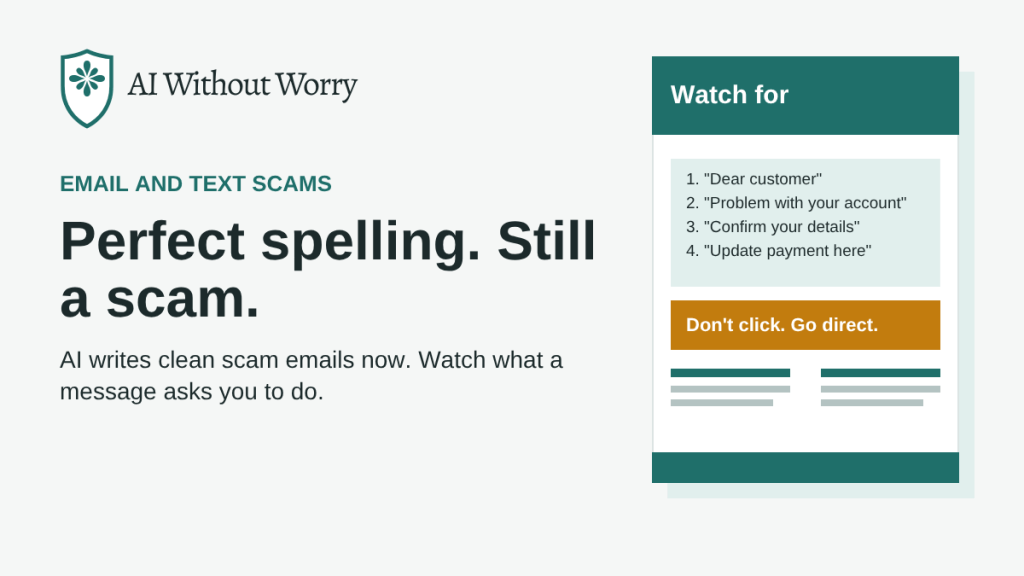
In short: Bad spelling used to give scam emails away. Now scammers can use AI to write clean, convincing messages. Instead of checking for typos, look at what the message asks you to do, and never use the links or phone numbers in an unexpected message.
The old advice doesn’t work anymore
For years, a common tip was to watch for spelling mistakes and awkward grammar. Many scam emails were written by people who weren’t fluent in English, so errors were a giveaway.
That shortcut is fading. In December 2024, the FBI warned that criminals use AI tools to translate their messages and limit grammar and spelling mistakes. The FBI also noted that AI helps them write messages faster, so they can reach more people.
A scam email today may look as polished as a real one from your bank. In more than two decades in cybersecurity, I’ve seen the look of scam emails change many times. What hasn’t changed is the goal: getting you to act before you think.
What phishing is
Phishing is when a scammer sends an email or text pretending to be a company or person you trust. The goal is to get you to click a link, open an attachment, or share personal information like a password or account number.
What to look for instead
The FTC lists warning signs that still hold up, no matter how well a message is written:
- A generic greeting, such as “Dear customer,” even when the email has a real company’s logo.
- A claim that there’s suspicious activity, a problem with your account, or a billing issue.
- A request to confirm personal or financial information.
- A link to update your payment details. The FTC notes that real companies won’t email or text you a link to update your payment information.
- An invoice you don’t recognize, a government refund you weren’t expecting, or a coupon for something free.
The common thread is pressure to act. Pay less attention to how a message looks and more attention to what it wants you to do.
How to check a message safely
- Ask yourself: do I have an account with this company? If not, it’s a scam. Delete it.
- If you do have an account, don’t use the links, phone numbers, or email addresses in the message.
- Instead, go to the company’s website by typing the address yourself, or call the number on your card or statement.
- Turn on two-step login, which the FTC calls multi-factor authentication, for your email and bank accounts. Even if a scammer gets your password, they would also need a code from your phone.
How to report a phishing message
- Forward phishing emails to reportphishing@apwg.org.
- Forward scam texts to 7726 (which spells SPAM).
- Report it to the FTC at ReportFraud.ftc.gov.
Then delete the message.
If you already clicked or replied
- If you shared a Social Security, credit card, or bank account number, go to IdentityTheft.gov for step-by-step help based on what was exposed.
- If you clicked a link or opened an attachment, update your security software and run a scan.
- Call your bank right away if any financial information was involved.
Sources: FBI Internet Crime Complaint Center, public service announcement I-120324-PSA (December 3, 2024). Federal Trade Commission, “How to Recognize and Avoid Phishing Scams” (updated October 2024).
Stay a step ahead
Get one short scam alert and one helpful AI tip every Thursday, plus our free guide, Is This Call Real?

